How to open a cloud phone environment?
Written By Penny
Last updated 3 months ago
To open an existing cloud phone environment from the Environments list, follow these simple steps:
Locate the environment: Find the environment you wish to open in the list. Note that the screenshot shows two environments:
The environment with Env status as Ready (No. 2) is the one you can open.
The environment with Env status as Opened (No. 1) is already active.
Find the "Open" Button: For the environment that is Ready, look for the Play icon (▶) in the Ops (Operations) column. When you hover over it, a tooltip should appear that says Open.
Click to Open: Click the Open button (the Play icon) associated with the desired environment.
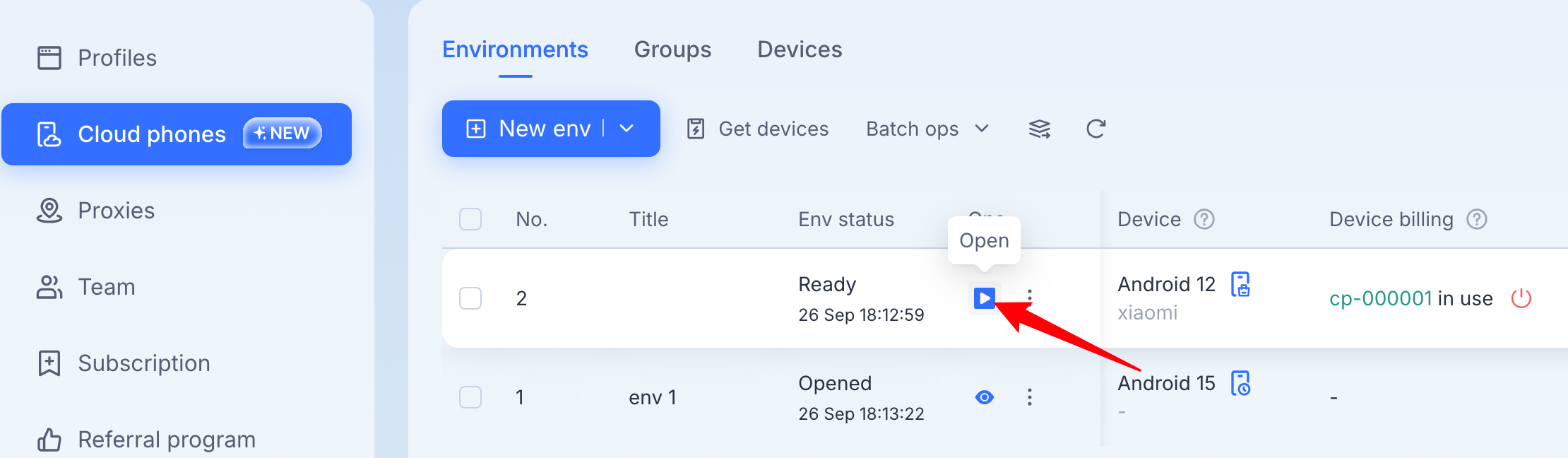
Once you click Open, the environment status should change from Ready to Opened, and you will be able to start interacting with the cloud phone.
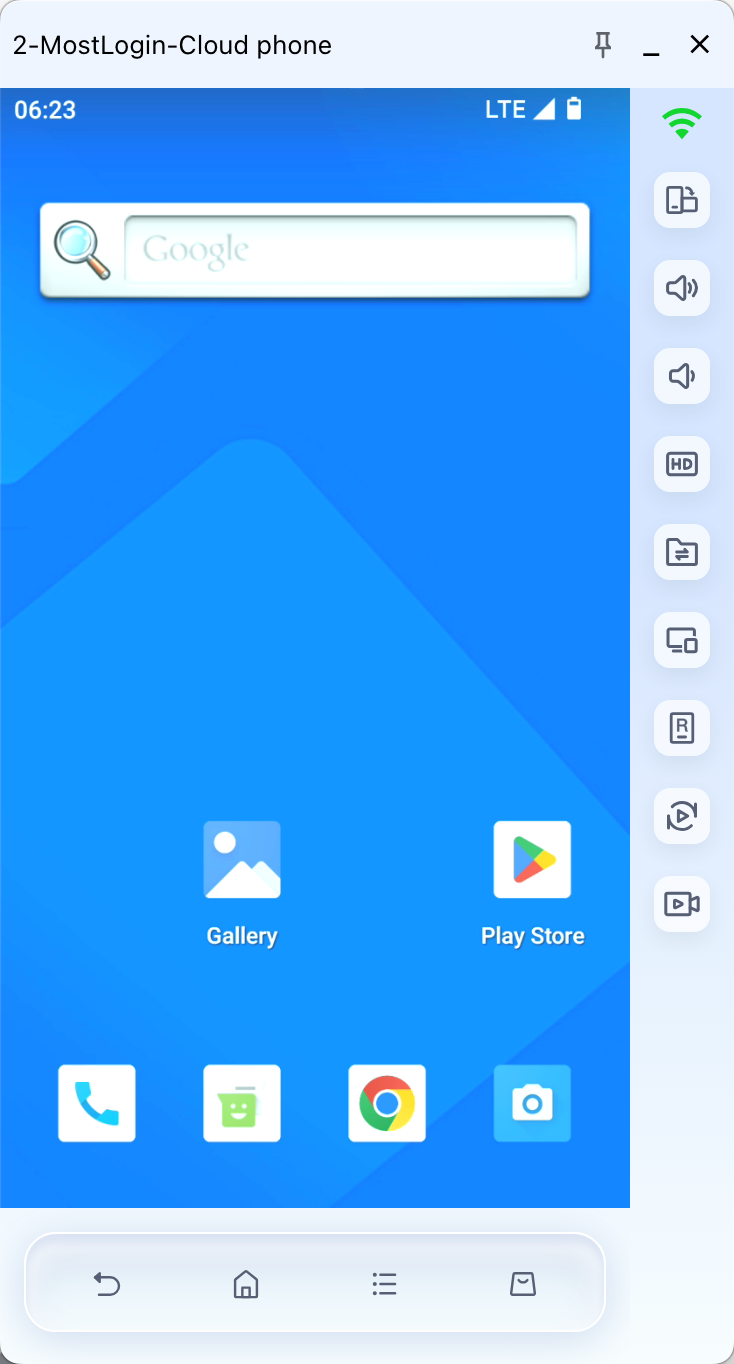
When you're ready to stop, close the environment and decide how to manage the device:
Suspend device: The device remains bound, you can wake up the environment interface again anytime.
Close the environment, shut down and unbind device: The device is released from the environment.
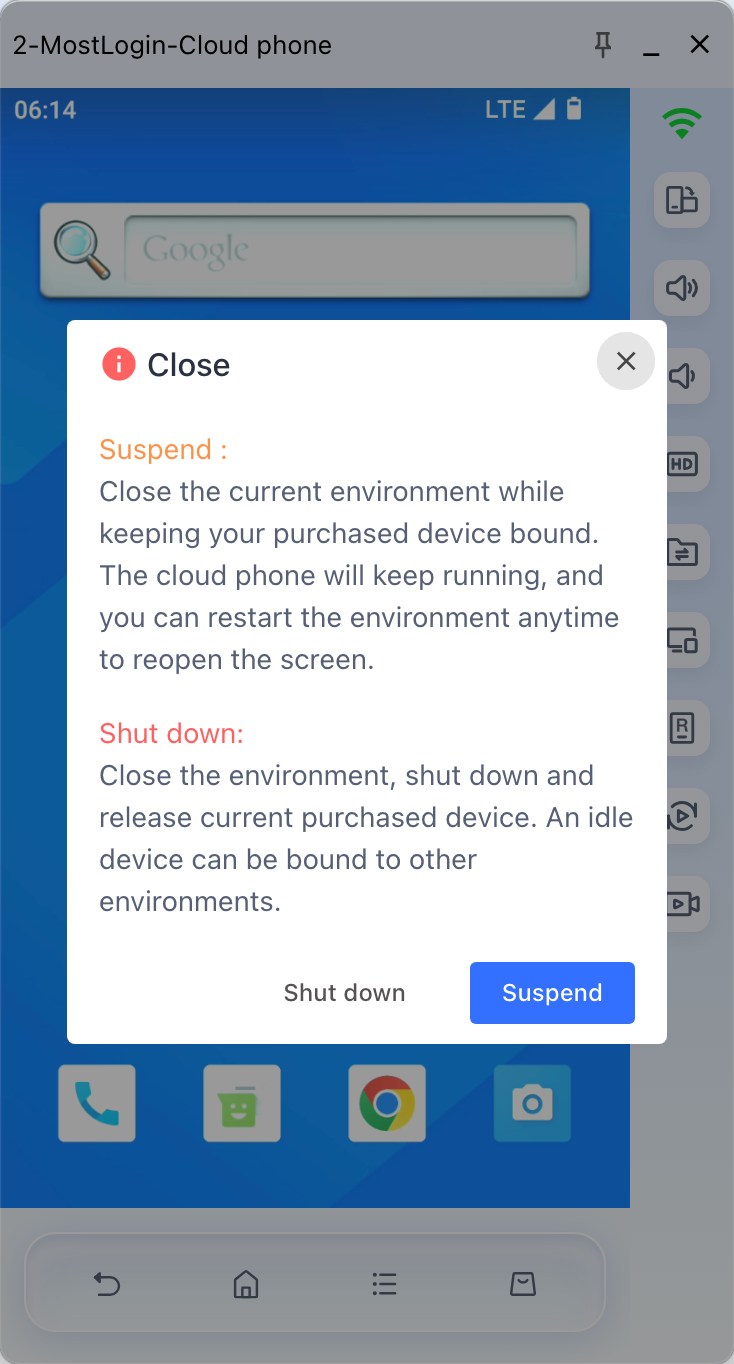
You are free to reopen the environment and resume use anytime after closing it.