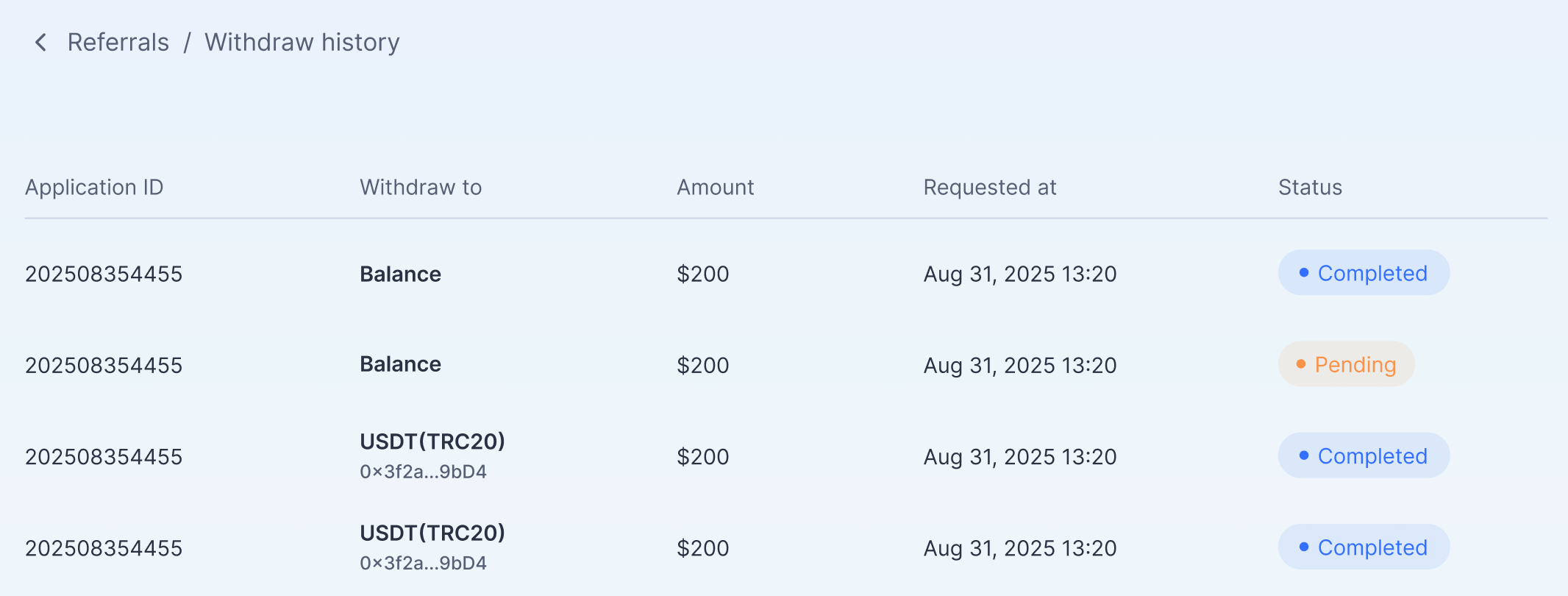
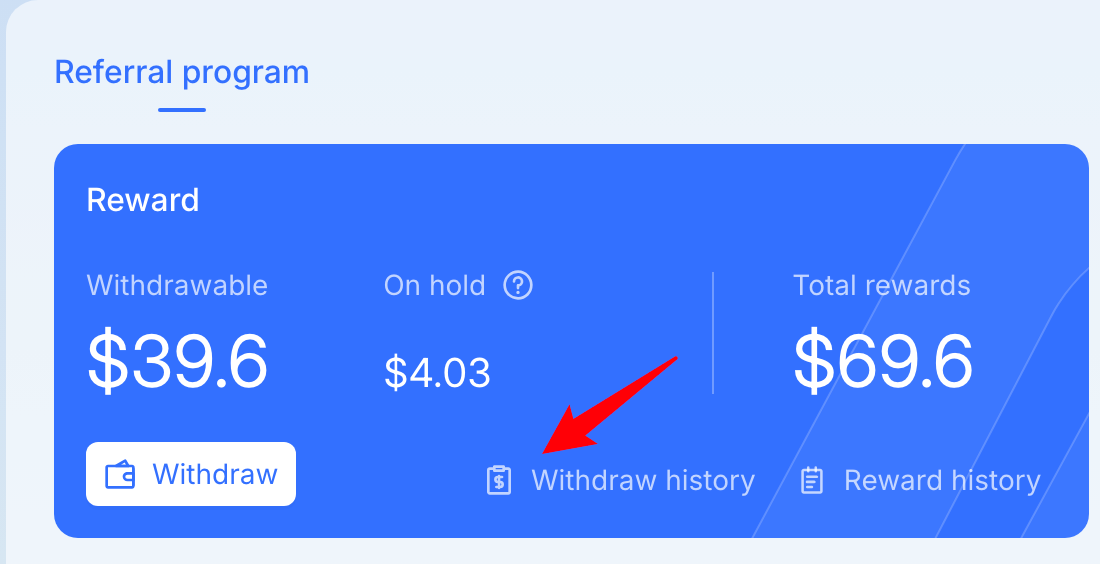
How to view withdraw history
Written By Penny
Last updated 4 months ago
Qualified users can withdraw rewards.
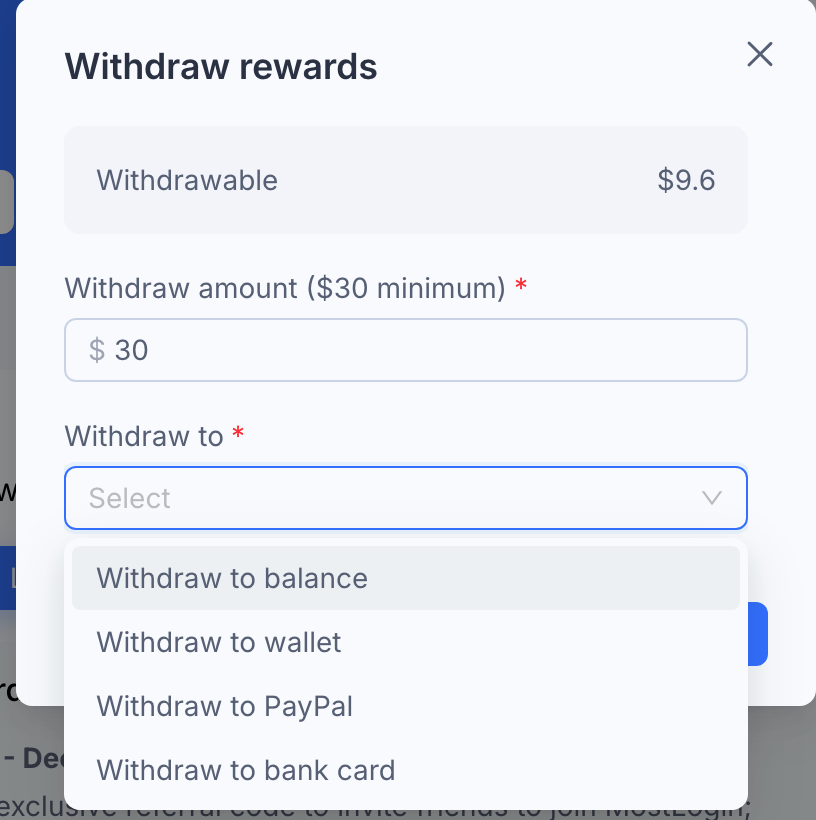
Check your balance: The "Withdrawable" field at the top shows your current available funds.
Enter the amount: Type in how much you wish to cash out in the "Withdraw amount" field.
Note: You must withdraw a minimum of $30.
Select a destination: Click the "Withdraw to" dropdown menu to choose where you want the money sent. You can choose from:
Withdraw to balance: Transfer the rewards to your MostLogin account balance (useful for paying for subscriptions).
Withdraw to wallet: Transfer to your digital/crypto wallet.
Withdraw to PayPal: Transfer directly to your PayPal account.
Withdraw to bank card: Transfer directly to your bank card.
Confirm: Complete any subsequent prompts to finalize the transaction.
View your withdraw history in Referrals / Withdraw history.